Table surface modes
Classic glossy surface, water ripple on settle, grayscale shrink animation, DVD-style corner bounce, or analog static TV over the table.
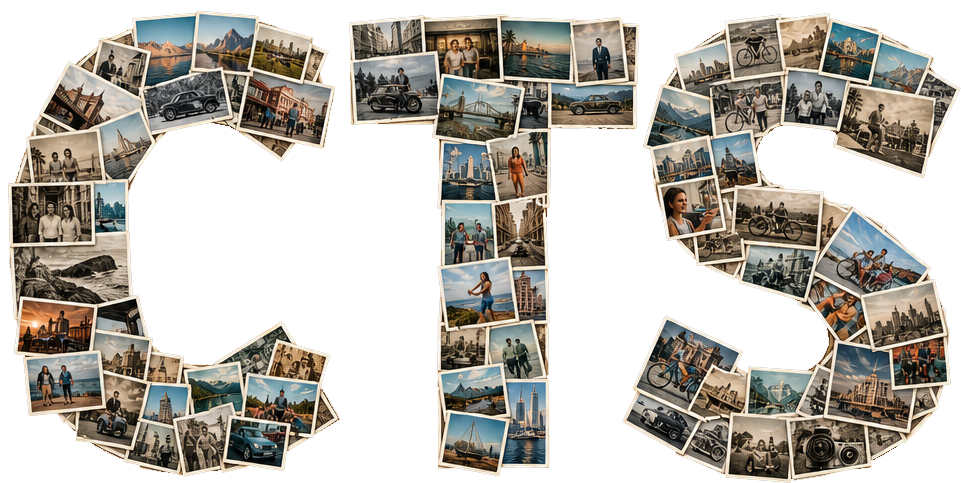
CTS is a web app for full-screen ambient photo slideshows, driven by your photos in an easy drag and drop interface. Inlcuded is an admin portal for customization and access controls.
Multi-tenant hosting with customer portals, uploads, review workflows, sync, and rich viewer effects.
Classic glossy surface, water ripple on settle, grayscale shrink animation, DVD-style corner bounce, or analog static TV over the table.
Wind scatter, dissolve, flames, or clouds when a full photo cycle completes.
Full-screen particles (stars/sparks, bubbles, rain, hearts), floating faith-symbol sets, or floating sports icons — soccer, basketball, football, volleyball, track, cheer, or mixed.
Per-effect color accents, particle size scales, and motion speed for floating overlays.
Per-photo duration presets from about one to ten seconds.
Minimum size percentage as each photo eases down before the next image.
Custom fullscreen backdrop image per show — viewer-controlled upload and remove.
Periodic QR pulses with custom payload text, optional caption, and adjustable interval.
Shared passcode channel so multiple browsers stay aligned on slide and timing.
Random reshuffle each round or portal-managed manual ordering.
Paste embed URLs for playlists or albums; optional OAuth sign-in for Premium SDK playback when configured on the server.
Simple, intuitive tools for show management
Every active site includes a dedicated portal at /portal/<site-slug>
From there you can
The customer portal is designed to be approachable and intuitive, and separate from host administration, so you can manage your own shows with privacy and confidence.